Welcome to the official developer log for TeleGhostHunter, our fast-paced, browser-based arcade shooting game! Whether you are a player wondering how the challenging mechanics of Level 3 were created, or a fellow indie game developer looking for insights into HTML5 Canvas game development, you have come to the right place.
In this comprehensive devlog, we are going to pull back the curtain on the entire development process. We will explore the original ideas behind the game, the specific technology stack we chose, how we designed the escalating difficulty across the three levels, and the biggest challenges we faced along the way. Grab a cup of coffee, and let's dive into the code and creativity behind TeleGhostHunter!
The Core Idea: Bringing the Arcade to the Browser
The initial concept for TeleGhostHunter was born out of a simple desire: to create a raw, skill-based arcade shooter that anyone could play instantly.
In today's gaming landscape, players often have to endure massive multi-gigabyte downloads, mandatory account creations, and long loading screens just to play a quick game. We wanted to eliminate all of that friction and immediately start blasting.
We decided on a "ghost hunting" theme because it allowed for fluid, erratic enemy movements that contrast beautifully against dark, moody, retro-futuristic backgrounds. But to make this accessible to everyone instantly, we needed the right technology.
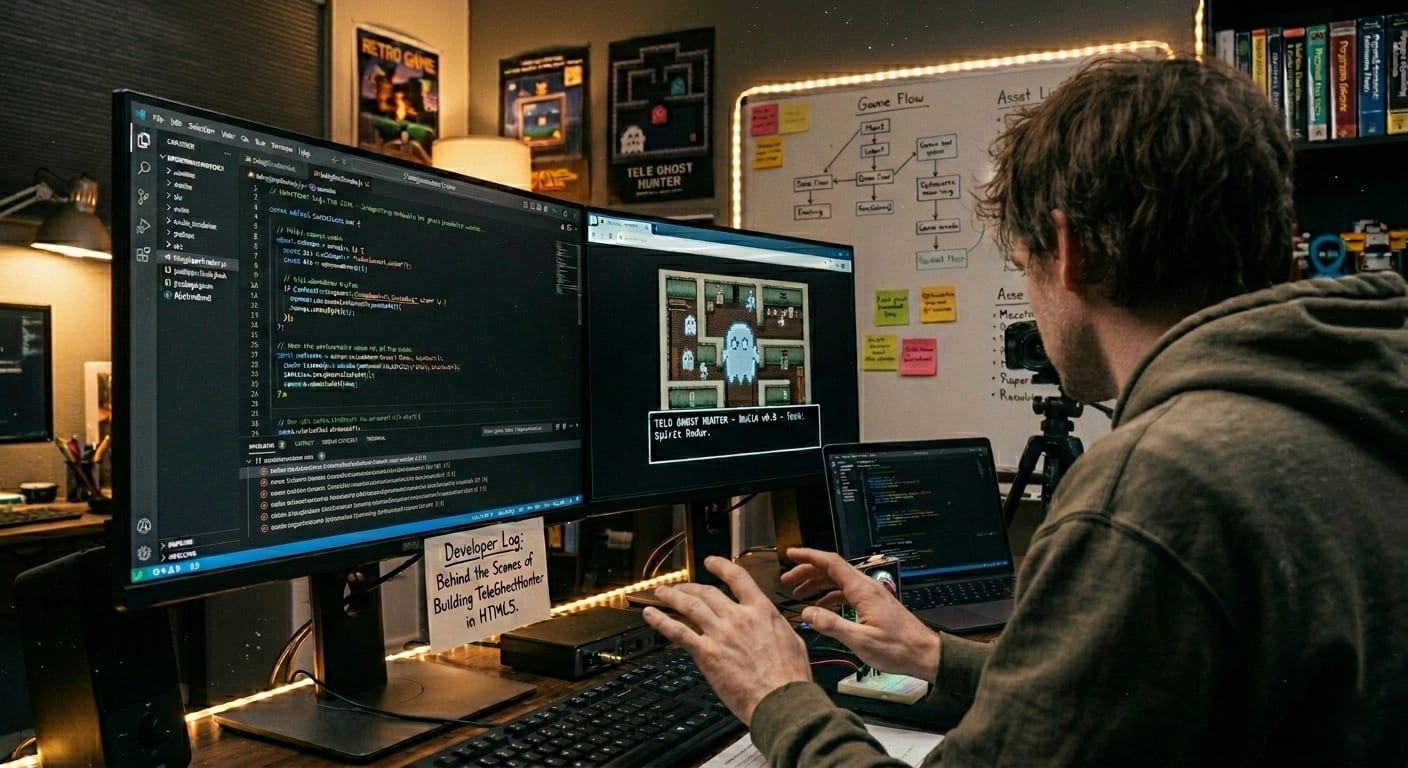
The Technology Stack: Why We Chose HTML5 Canvas
When deciding how to build TeleGhostHunter, we looked at massive game engines like Unity and Unreal. However, for a lightweight, instant-play 2D browser game, those engines are often overkill. Instead, we went "vanilla". We built the game entirely using the holy trinity of the web: HTML5, CSS3, and JavaScript.
Here is why this technology stack was the absolute best choice for this project:
1. The Power of HTML5 Canvas
At the heart of the game is the <canvas> element. Think of the HTML5 Canvas as a blank digital painting board. Instead of creating hundreds of heavy image files (DOM elements) that the browser has to constantly move around—which causes massive lag—we use JavaScript to mathematically "draw" and "erase" the graphics sixty times every single second. This gives us pixel-perfect control over the ghosts, the crosshairs, and the recoil effects without draining the player's computer memory.
2. Vanilla JavaScript for Pure Logic
We didn't use any external game libraries like Phaser or Pixi.js. While those frameworks are fantastic, building the game in pure "vanilla" JavaScript allowed us to keep the file sizes incredibly small. The entire game logic—including player input, enemy spawning, collision detection, and score tracking—is handled by our custom scripts.
3. CSS3 for the Retro Aesthetic
To achieve that authentic arcade feel, we relied heavily on CSS. We stripped away the browser margins (margin: 0), forced the game to take up the entire screen (width: 100vw; height: 100vh), and imported the 'Orbitron' font from Google Fonts. This specific font instantly gives the Heads Up Display (HUD) a sci-fi, cyberpunk aesthetic that matches the ghost-hunting theme perfectly.
Level Design Philosophy: Escalating the Challenge
A good arcade game is easy to learn but incredibly hard to master. To achieve this, we make each level difficult and hard to play than previous one, each introducing a brand-new mechanical and psychological challenge.
Let's break down how we coded and designed each stage.
Level 1: The Arcade Awakening
The Goal: Teach the player the basic controls and introduce the concept of "recoil."
When you load into Level 1, you are greeted with a standard, dark background (#050505) and a classic crosshair consisting of a center dot and four outer lines.
How we built it: We used JavaScript's Canvas Rendering Context (ctx) to draw the crosshair. By using ctx.arc(), we created the perfect center circle, and ctx.moveTo() combined with ctx.lineTo() allowed us to draw the precise aiming lines.
The Secret Mechanic:
Even in Level 1, we didn't want the shooting to be a simple "point and click" adventure. We introduced a variable in the code called recoil. Every time the player clicks the mouse (mousedown event), a small mathematical value is added to the crosshair's position, throwing it slightly off-center. It teaches the player early on that "spam clicking" will ruin their accuracy.
Level 2: The Psychological Distraction
The Goal: Overwhelm the player's visual senses and speed up the gameplay.
Level 2 is where we start playing tricks on the user's brain. The ghosts move faster, but the biggest change is the crosshair. We replaced the standard lines with a rapidly spinning triangular shape.
How we built it:
To make the crosshair spin seamlessly without lagging the game, we utilized a brilliant mathematical trick in JavaScript. Inside our drawCrosshair() function, we save the current state of the canvas using ctx.save(). Then, we translate the center of the canvas to the player's mouse coordinates. Finally, we use ctx.rotate(Date.now() / 300) to rotate the canvas based on the current millisecond time of the computer's clock. We draw the triangle, and then use ctx.restore() to put the canvas back to normal.
The Secret Mechanic: The spinning triangle doesn't actually affect where the bullet goes—the bullet always goes to the center dot. The spin is purely a psychological design choice to distract the player's eyes, making it harder to focus on the fast-moving ghosts.
Level 3: The Heavy Kickback
The Goal: Deliver the ultimate, punishing arcade experience demanding perfect trigger discipline.
Level 3 changes the atmosphere completely with a deep night-sky background (#1a1c2c). We changed the crosshair to a massive hollow ring to force players to "frame" their targets. But the crowning jewel of Level 3 is the visual gun recoil.
How we built it:
We added a brand-new function called drawGun(). This function uses ctx.fillRect() to draw a stylized, futuristic yellow and gray weapon at the bottom center of the screen.
The Secret Mechanic:
In Level 3, the recoil variable is cranked up to the maximum. When a player fires, the recoil value spikes massively. We tied this value directly to the Y-axis (vertical position) of both the crosshair and the drawn gun. If you miss a shot, the visual gun kicks violently upward into the screen, and your crosshair is thrown completely off target. It forces the player to wait for the mathematical recoil value to "cool down" and reset to zero before taking another shot.
Under the Hood: The Magic of the Game Loop
If you are new to HTML5 game development, you might be wondering how the game actually "moves". The secret sauce of TeleGhostHunter—and almost all modern browser games—is a built-in browser function called requestAnimationFrame.
In the early days of web games, developers used setInterval to tell the game to update every few milliseconds. This often resulted in choppy, stuttering gameplay.
Instead, our core architecture looks like this:
function gameLoop() {
update(); // Calculates math: moving ghosts, lowering recoil
draw(); // Clears the screen and paints the new graphics
requestAnimationFrame(gameLoop); // Tells the browser to do it again
}
requestAnimationFrame is incredibly smart. It tells the web browser, "Hey, right before you refresh the player's monitor for the next frame, run my game code". Because most modern monitors refresh at 60Hz (or 60 times a second), our game loop runs exactly 60 times a second, resulting in buttery-smooth ghost movements and crosshair tracking.
Input Handling: Bridging the Gap Between PC and Mobile
One of our main goals was cross-platform compatibility. A browser game is only good if it can be played on both a desktop computer and a smartphone.
Handling the Mouse:
For PC players, we attached an event listener to the canvas that listens for mousemove. Every time the mouse moves even a single pixel, it updates our gameState.mouseX and gameState.mouseY variables, ensuring the crosshair is always glued to the cursor.
Handling the Touchscreen:
Mobile devices don't have a "mouse," they have fingers. To make the game work on phones, we added a touchmove event listener.
A major technical hurdle we faced was that when players swipe their fingers on a phone screen, the browser naturally wants to scroll the web page up or down. If the page scrolls while you are trying to shoot a ghost, the game becomes unplayable. To fix this, we used e.preventDefault() inside the touch event. This tiny line of code tells the mobile browser, "Ignore the user's swipe, don't scroll the page, just send the finger coordinates to the game".
Biggest Challenges During Development
No game development journey is without its roadblocks. Here are the two biggest challenges we overcame while building TeleGhostHunter:
1. Balancing the Difficulty
Game design is a delicate balancing act. If a game is too easy, players get bored and leave. If it is too hard, they get frustrated and quit. Tuning the recoil math in Level 3 took hours of playtesting. We had to find the exact mathematical decay rate—how fast the gun settles back down after shooting—so that it punished bad aim but still felt fair and rewarding when you played patiently.
2. Canvas Resizing
Making sure the game looked good on an ultra-wide desktop monitor and a narrow vertical smartphone screen was tricky. We solved this by forcing the <canvas> element's internal width and height to dynamically match the user's window.innerWidth and window.innerHeight. Whenever the window resizes, the canvas recalculates, ensuring the graphics never look stretched or blurry.
Conclusion
Building TeleGhostHunter has been an incredible journey into the power of HTML5 Canvas and vanilla JavaScript. We set out to create a seamless, challenging arcade experience directly in the browser, and by carefully layering mechanics—from basic aiming to psychological distractions and heavy recoil—we feel we achieved that goal.
We hope you enjoyed this deep dive into the code and design philosophy of TeleGhostHunter. Whether you are aiming for a new high score or opening up your code editor to build your very first Canvas game, remember the golden rule: keep practicing, keep iterating, and never stop hunting!